
Personal trainer, yoga, pilates
Booking system for trainers, yoga and pilates studios
One-to-one training and group classes in one system. For a group class, clients book from the free places, and the system keeps track of the headcount.
- Start: HUF 0, no time limit
- No booking commission
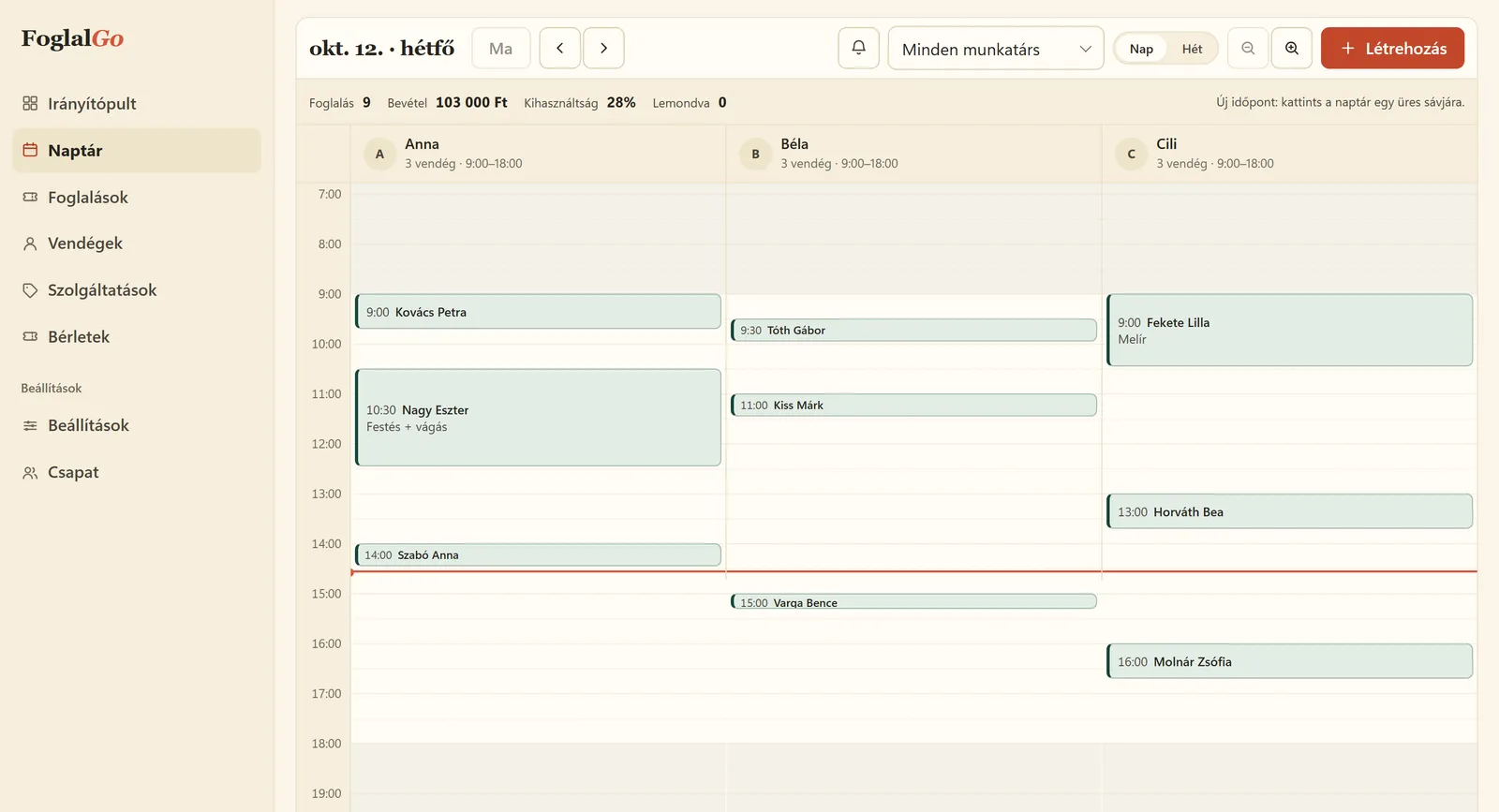
Personal trainer, yoga, pilates: what FoglalGo takes care of
Group classes with a headcount
You set how many places a class has. Once it is full, the booking page stops offering it. From the Pro plan.
A recurring timetable
You add the weekly classes once, and they can then be booked session by session.
Several instructors, several rooms
A separate schedule for each instructor and room, without clashes.
What your service list could look like
An example setup. You set the names, durations and prices yourself; at registration the system adds a starter list that fits your trade.
The pricing page shows which plan your list fits into. If you use another system now, our comparison pages compare the fees with dates and sources.
| Service | Duration / note |
|---|---|
| Personal training | 60 min |
| Morning pilates (group) | 55 min |
| Hatha yoga (group) | 75 min |
| Consultation | 30 min |
How does online booking work for trainers and studios?
The trainer or studio adds two kinds of sessions. One-to-one sessions, such as personal training, are booked just like a hair appointment: the client chooses the session and a free time. For a group class, such as a pilates or yoga class, you set a headcount, and clients book from the free places. Once the class is full, the booking page stops offering it.
After booking, the client gets an email with the time and a cancellation link. If they cancel, their place is freed up and someone else can book it. In the dashboard you see the list of participants for each session, so you know before the class how many are coming. Instructors and rooms get separate schedules, so two classes cannot end up in the same room.
How do you set up group classes?
You add a group class as one service, with its real length and the headcount limit. The headcount should match the size of the room or the number of pieces of equipment: if there are eight reformer machines, there should be eight places, even if more people would fit in the room. You link the class to the instructor’s or the room’s schedule, so it can only be booked when you actually hold it.
With the booking rules you can set until when clients can sign up for a class and until when they can cancel. If the cancellation deadline is, say, 12 hours, clients can cancel online until then, and someone else can still book the freed-up place. Group bookings are available from the Pro plan. There is no waiting list at the moment, so clients do not get an automatic notification when a place frees up in a full class.
Which plan does a trainer or studio need?
For a personal trainer holding one-to-one sessions, the Start plan may be enough: HUF 0, with no time limit, 1 team member, 3 services and 30 bookings a month. If you only offer personal training and consultations, that is fine to start with.
If you also hold group classes, you will need the Pro plan, because group bookings are available there. Pro costs HUF 3,990 a month or HUF 39,900 a year: up to 3 instructors or rooms, unlimited services and bookings, reminder emails. For a larger studio with more instructors or rooms, the Business plan costs HUF 5,990 a month, with unlimited resources. There is no VAT on the fees, and none of the plans charges a commission. You handle the accounting of passes outside the booking.
How do you add a weekly routine of personal training sessions?
Personal training clients often come at the same time week after week. In the dashboard a booking can repeat weekly for 2–12 weeks, so you record the Tuesday and Thursday sessions once, and those slots can no longer be booked online.
If the client cancels one session, only that one time is freed up; the rest stay. Meanwhile the online booking page shows other clients the times that are actually free, together with the places in group classes. A twelve-week series covers roughly a quarter of a year; after that you add the next one the same way.
Last updated:
Getting started in three steps
Sign up
Enter the name of your business and choose your trade.
Set it up
Opening hours, services, team members or resources, cancellation deadline, and finally you approve your data controller details.
Share it
A link, a QR code or an embedded widget on your website.
Questions from trainers and studios
Does the system handle passes?
You handle fee payment and the accounting of passes outside the booking. Online card payment is not available at the moment; it is marked “coming soon”.
Can I see who is coming to a class?
Yes, in the dashboard you see the list of participants for each session.
Which plan do I need for group classes?
Group bookings are available from the Pro plan.
Can a client cancel a group class?
Yes, with the link in the confirmation email, until the cancellation deadline you set. The freed-up place can be booked again straight away.
Is there a waiting list for full classes?
Not at the moment. Once a class is full, the booking page stops offering it, and if someone cancels, the freed-up place reappears in the offer.
Further reading
Other industries
Launch your booking page
Start plan: HUF 0, no time limit. Sign up without a bank card; after five questions your booking link is ready.